Here On Cool Nation Radio You Have The Opportunity To Listen To The Station Through Our Onboard Player’s On The Website Homepage
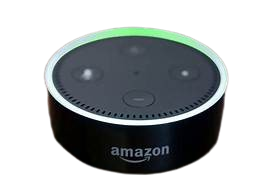
You Can Also Listen To The Station By Using Your Alexa
How To Listen On Alexa
1. Open Your Alexa App
2. Scroll Down To Where It Says See More
3. Click On See More
4. Look At The Search Bar Where It Says Search Alexa Skill
5. Tap In The Search Bar & Put Cool Nation Radio With Spaces
6. Tap The Spy Glass At The Bottom Of Your Phone’s Keypad
7. Alexa Open Cool Nation Radio
8. Tap On The Blue Launch Button
9. Select What Device You Want The Station To Be Played On
Now Just Say Alexa Play Cool Nation Radio & Your Good To Go